Vibe Composing

Compose with an AI,
in a real DAW.
AIと一緒に、
本物のDAWで作曲する。

Auris Studio is a digital audio workstation for macOS and Windows, written in Rust. Tell the agent what you want to hear, and it writes, plays back and revises real tracks you can keep editing by hand. Auris Studio は Rust で書かれた macOS / Windows 向けのデジタル・オーディオ・ワークステーションです。聴きたい音楽を言葉で伝えると、エージェントが実際のトラックを書き、鳴らし、直します。その結果は、そのまま手で編集し続けられます。

Direct download:直接ダウンロード: macOS (.dmg) · Windows (.exe)

Free and open source · Apache-2.0 · macOS, Windows (CLI on Linux) 無料・オープンソース · Apache-2.0 · macOS、Windows(Linux は CLI)

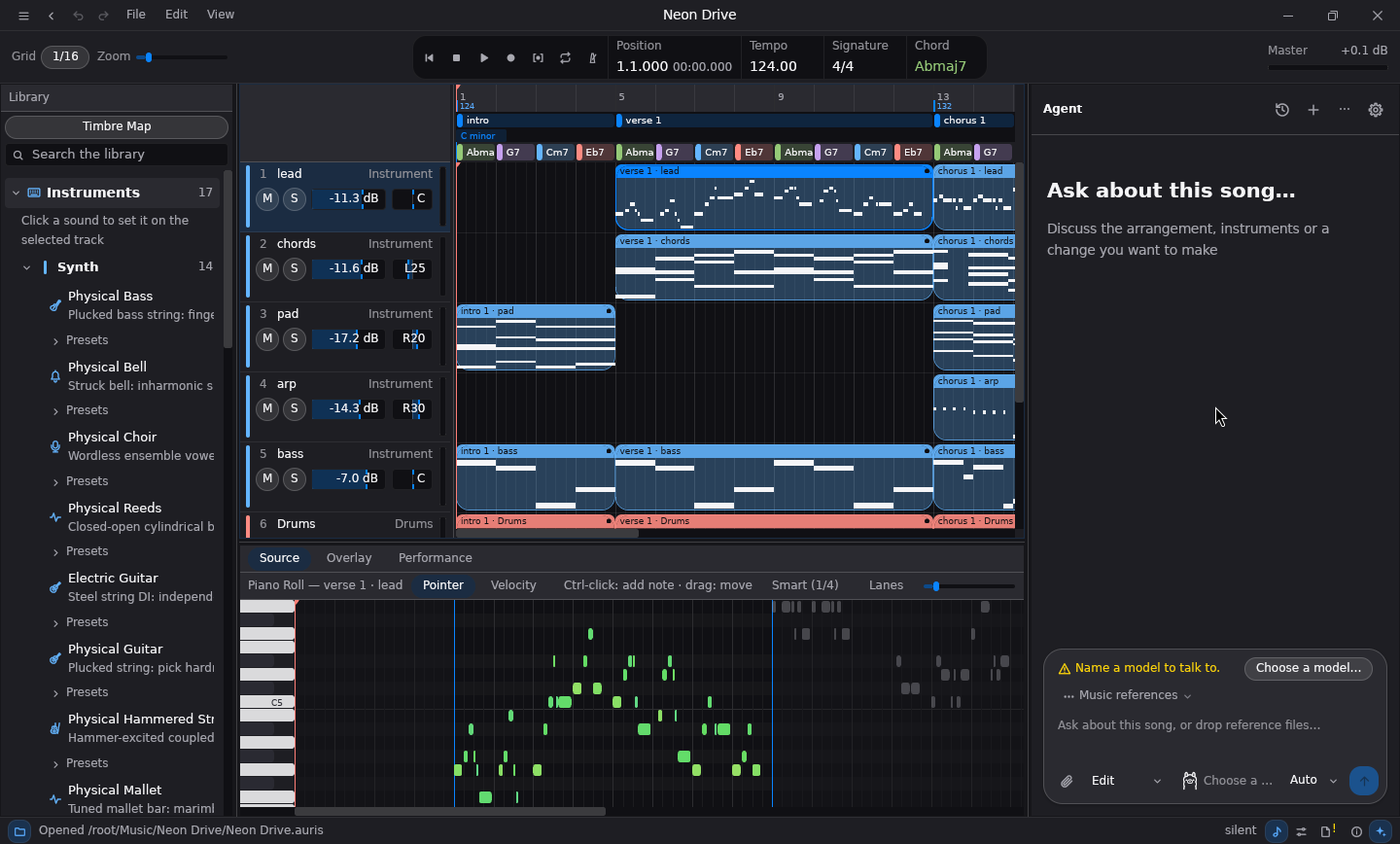
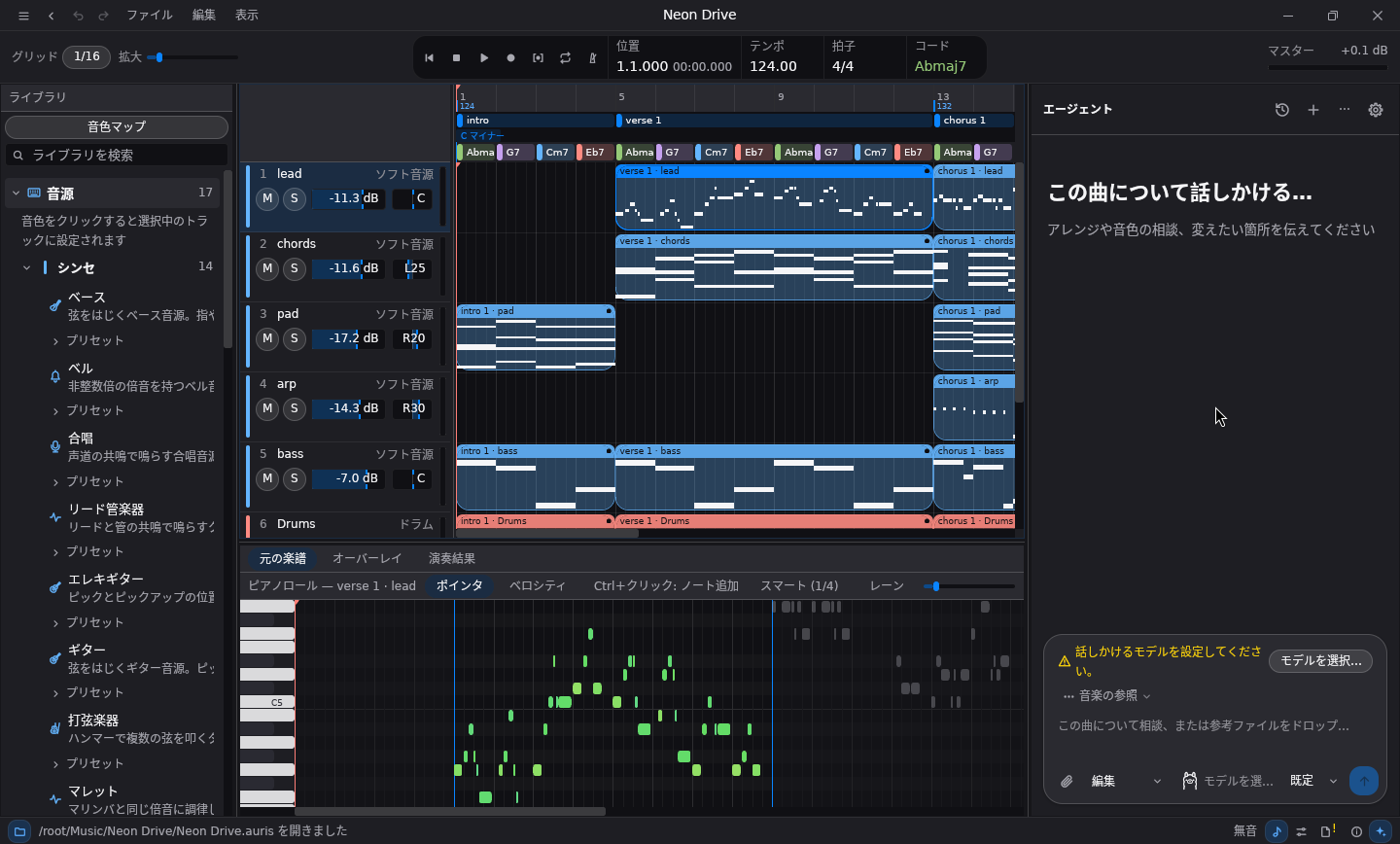
The editor: arrangement, piano roll and the agent panel エディタ:アレンジ、ピアノロール、エージェントパネル

One document, two hands on it ひとつの曲を、ふたりで触る

The agent edits the same project you do, through the same commands, so every change it makes is an ordinary step you can undo, tweak or keep. エージェントはあなたと同じプロジェクトを、同じコマンドで編集します。だからエージェントの変更はどれも、取り消しも手直しもできる普通の一手です。

AI workshopAIワークショップ

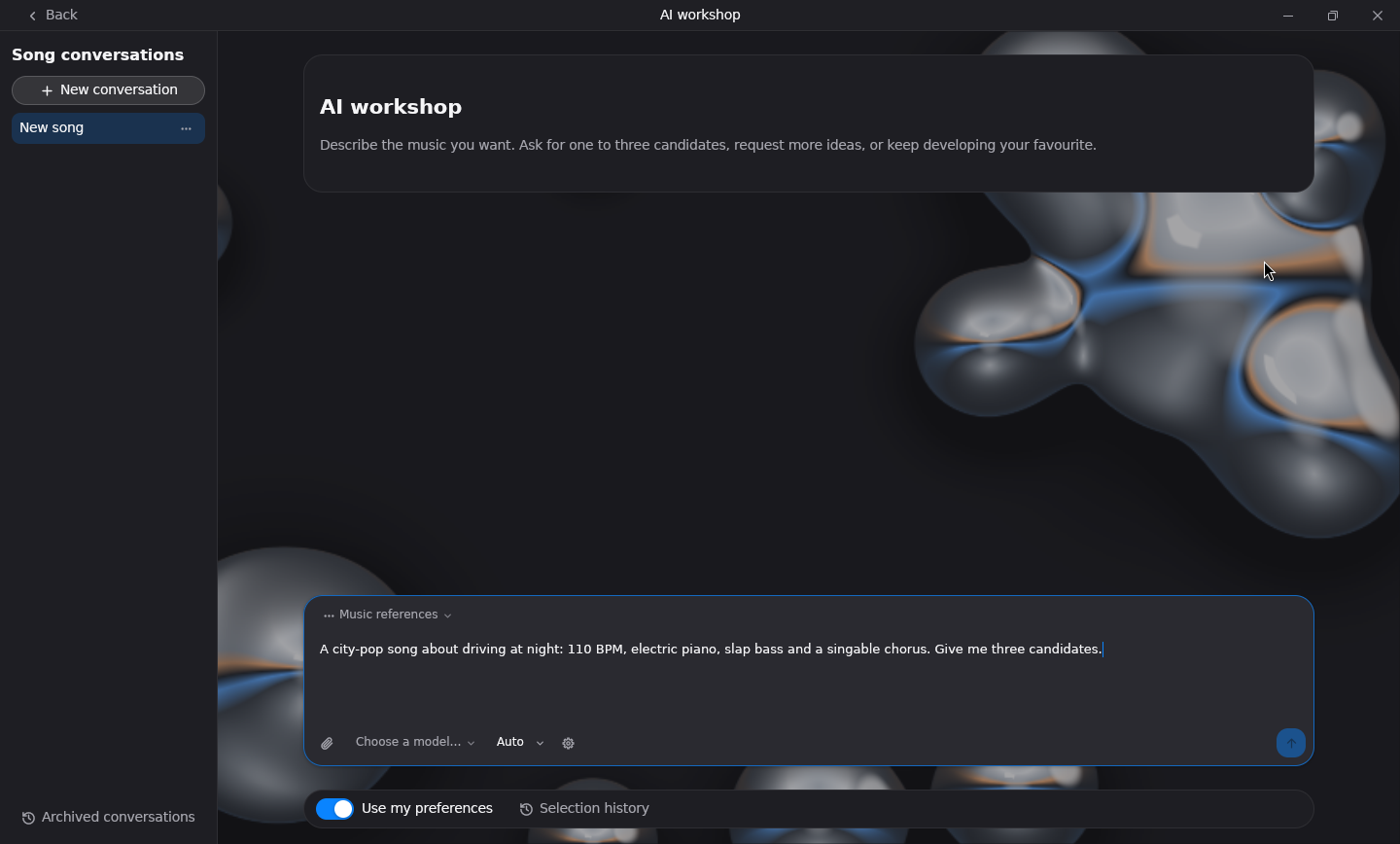
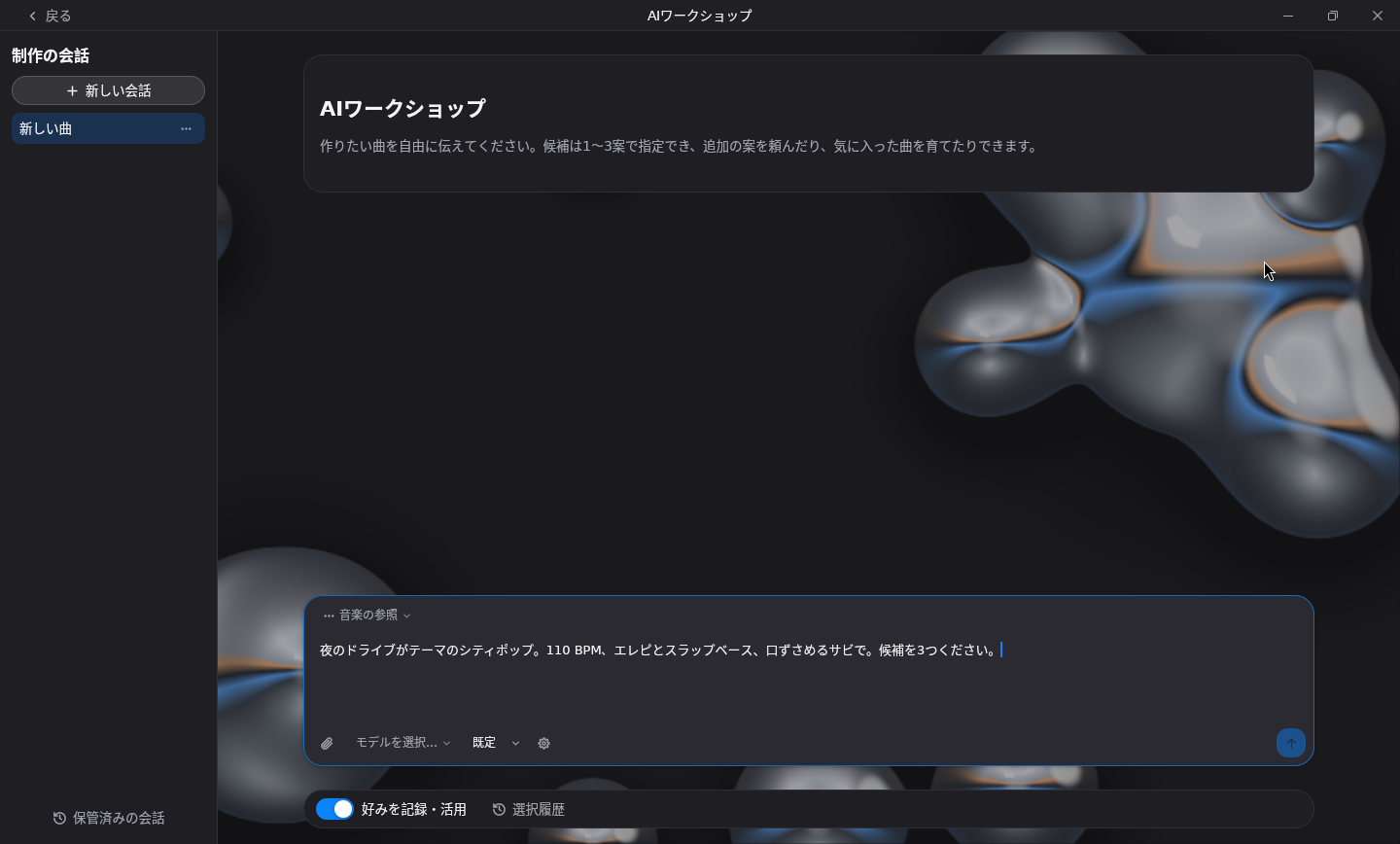
Describe a song: mood, instruments, length, lyrics. A director asks what it needs to know, then several composers write alternatives side by side for you to choose from. 雰囲気、楽器、長さ、歌詞などで曲を説明すると、ディレクターが必要なことを確認し、複数の作曲担当が候補を並行して書きます。その中から選ぶだけです。

An agent beside the editorエディタの隣にエージェント

Ask for a bass line, a reharmonisation or a mix pass while you work. Use Claude Code, Codex, OpenCode, local Ollama or any OpenAI-compatible API. 作業しながらベースラインやリハーモナイズ、ミックスの調整を頼めます。Claude Code、Codex、OpenCode、ローカルの Ollama、OpenAI 互換 API に対応します。

Composition from textテキストからの作曲

Write a song specification of sections, chords and style, or start from a preset, and a score-based composer writes it out. Every random choice is pinned by a seed. セクション、コード、スタイルを書いた曲の仕様やプリセットから、楽譜ベースの作曲エンジンが曲を書き出します。ランダムな選択はすべてシードで固定されます。

Instruments built inすぐ鳴る内蔵音源

Physically modelled piano, guitars, bass, strings, winds and choir, SuperSaw and analogue-style synths, chiptune and SoundFont playback, with no sample library to download. 物理モデルのピアノ、ギター、ベース、弦、管、合唱に、SuperSaw などのアナログ風シンセ、チップチューン、SoundFont 再生。サンプルライブラリのダウンロードは不要です。

Singing voices歌声合成

Singer tracks carry lyrics on their notes and render them through DiffSinger, VOICEVOX and other singing backends. シンガートラックはノートに歌詞を持ち、DiffSinger や VOICEVOX などの歌声合成エンジンで歌わせられます。

A full DAW underneath中身はちゃんとしたDAW

Piano roll, audio recording with punch-in, automation, buses and sends, CLAP and VST3 plugins, MIDI import and export, and a GPU-drawn interface. ピアノロール、パンチイン録音、オートメーション、バスとセンド、CLAP / VST3 プラグイン、MIDI の読み書き、そして GPU で描画される UI。
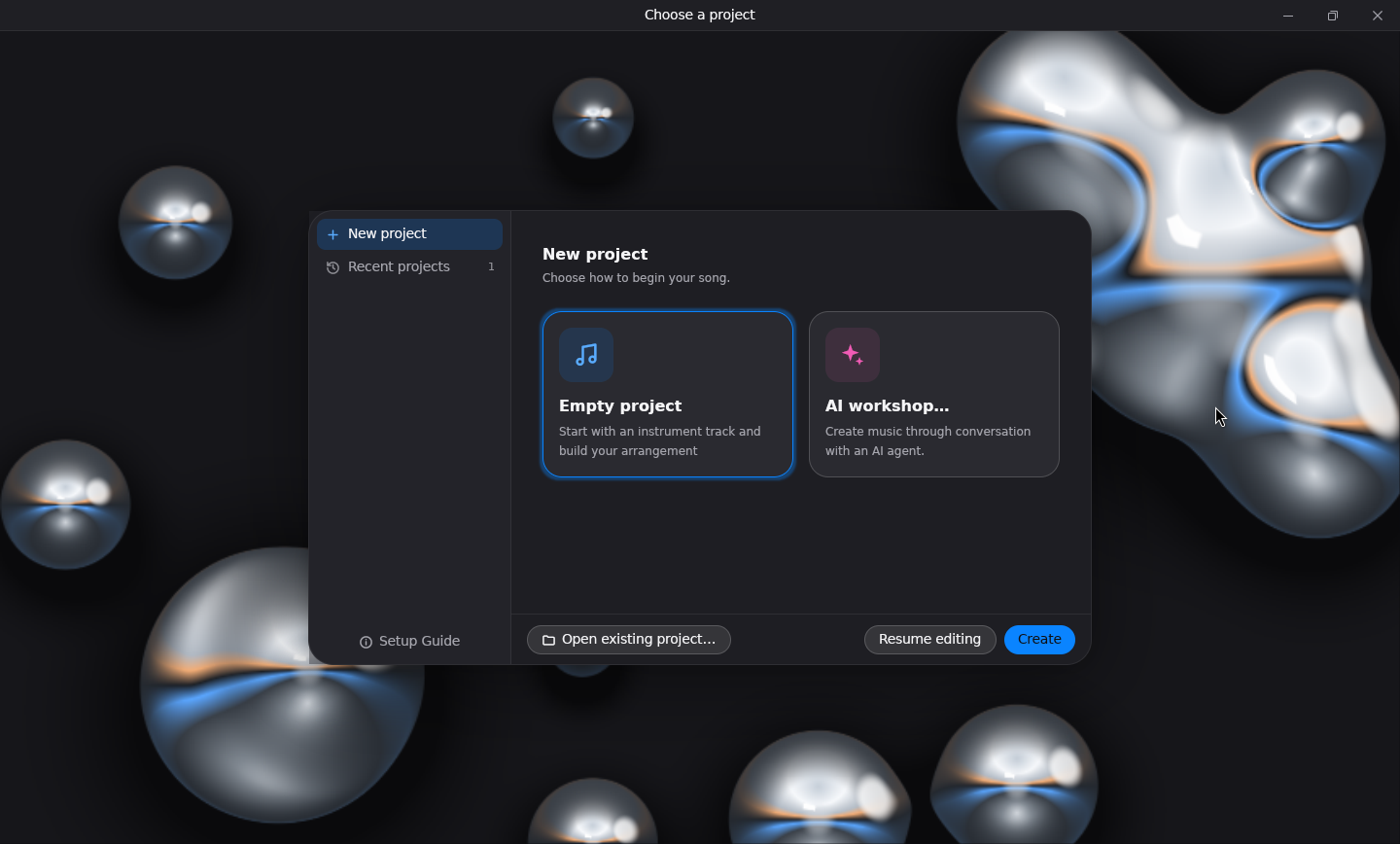
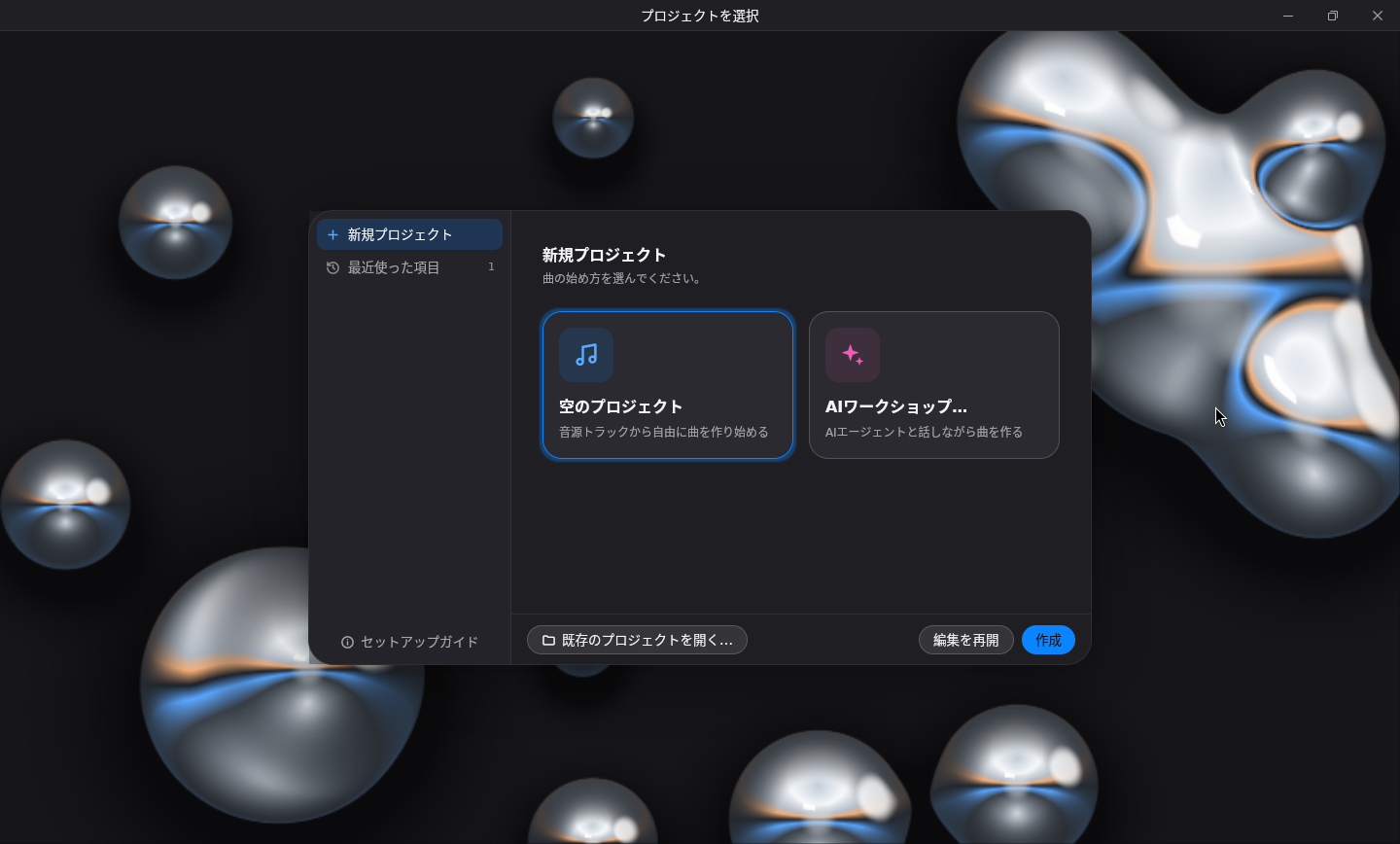
The project chooser プロジェクトの選択画面

Start a projectプロジェクトを始める

Start an empty project, reopen a recent one, or hand the first draft to the AI workshop. 空のプロジェクトから始めるか、最近のプロジェクトを開くか、最初の下書きを AI ワークショップに任せます。

The AI workshop AIワークショップ

Compose with the AI workshopAIワークショップで作曲する

Listen to the candidates, pick one and open it in the editor. 候補を聴き比べて選び、そのままエディタで開けます。

The same commands at every door どの入り口からも、同じコマンド

The desktop, the auris command line and the auris-mcp server all drive one headless session, so a coding agent you already use can compose, render and check music too. デスクトップアプリ、auris コマンド、auris-mcp サーバーは、どれも同じヘッドレスなセッションを動かします。普段使っているコーディングエージェントからも、作曲、レンダリング、確認ができます。

Desktopデスクトップ

The editor and the AI workshop.エディタと AI ワークショップ。

CLI

Compose, render and inspect from a shell.シェルから作曲、レンダリング、確認。

MCP

Tools for any Model Context Protocol client.Model Context Protocol 対応クライアント向けのツール。

Installインストール

Pick your computer and download the latest version. The desktop app, the auris CLI and auris-mcp come together, and the app keeps itself up to date once installed. お使いのパソコンを選んで最新版をダウンロードしてください。デスクトップアプリ、auris CLI、auris-mcp が一緒に入っていて、一度インストールすればアプリが自動で更新されます。

macOS

macOS 13.4 or later on Apple Silicon.macOS 13.4 以降、Apple Silicon 搭載の Mac に対応。

Download for macOSmacOS 版をダウンロード
  1. Open the downloaded .dmg file.ダウンロードした .dmg ファイルを開きます。
  2. Drag Auris Studio onto the Applications folder.Auris Studio を アプリケーション フォルダにドラッグします。
  3. The app is not yet signed, so macOS blocks the first launch. Open System Settings → Privacy & Security and click Open Anyway.アプリはまだ署名されていないため、初回起動は macOS に止められます。システム設定 → プライバシーとセキュリティ を開き、このまま開く を押してください。

Windows

64-bit Windows. No administrator rights needed.64 ビット版 Windows。管理者権限は不要です。

Download for WindowsWindows 版をダウンロード
  1. Run the downloaded setup.exe.ダウンロードした setup.exe を実行します。
  2. The installer is not yet signed. If SmartScreen appears, click More info, then Run anyway.インストーラーはまだ署名されていません。「Windows によって PC が保護されました」と出たら 詳細情報 → 実行 を押します。
  3. Start Auris Studio from the Start menu.スタートメニューから Auris Studio を起動します。

Portable archives, the Linux command line tool and earlier versions are on the releases page. ポータブル版、Linux 用のコマンドラインツール、過去のバージョンはリリースページにあります。

Build from sourceソースからビルド

With Rust 1.95 or newer.Rust 1.95 以降が必要です。

git clone https://github.com/uthree/auris-studio.git
cd auris-studio
cargo run --release

Composition skill for coding agentsコーディングエージェント用の作曲スキル

Teaches Codex and others to compose with Auris.Codex などに Auris での作曲を教えます。

npx skills add uthree/auris-studio \
  --skill auris-composition -a codex -g -y

Documentationドキュメント

Join the community on DiscordDiscord コミュニティに参加する

Share what you made, ask questions, report bugs and hear about new releases first. 作った曲の共有や質問、不具合の報告ができ、新しいリリースのお知らせもいち早く届きます。

Join the DiscordDiscord に参加